AI Study Assistant: How Students Can Study Smarter Using AI in 2026
Too much reading, too little time. Here is how students are using a free AI study assistant to summarize PDFs, understand hard topics and revise faster in 2026.
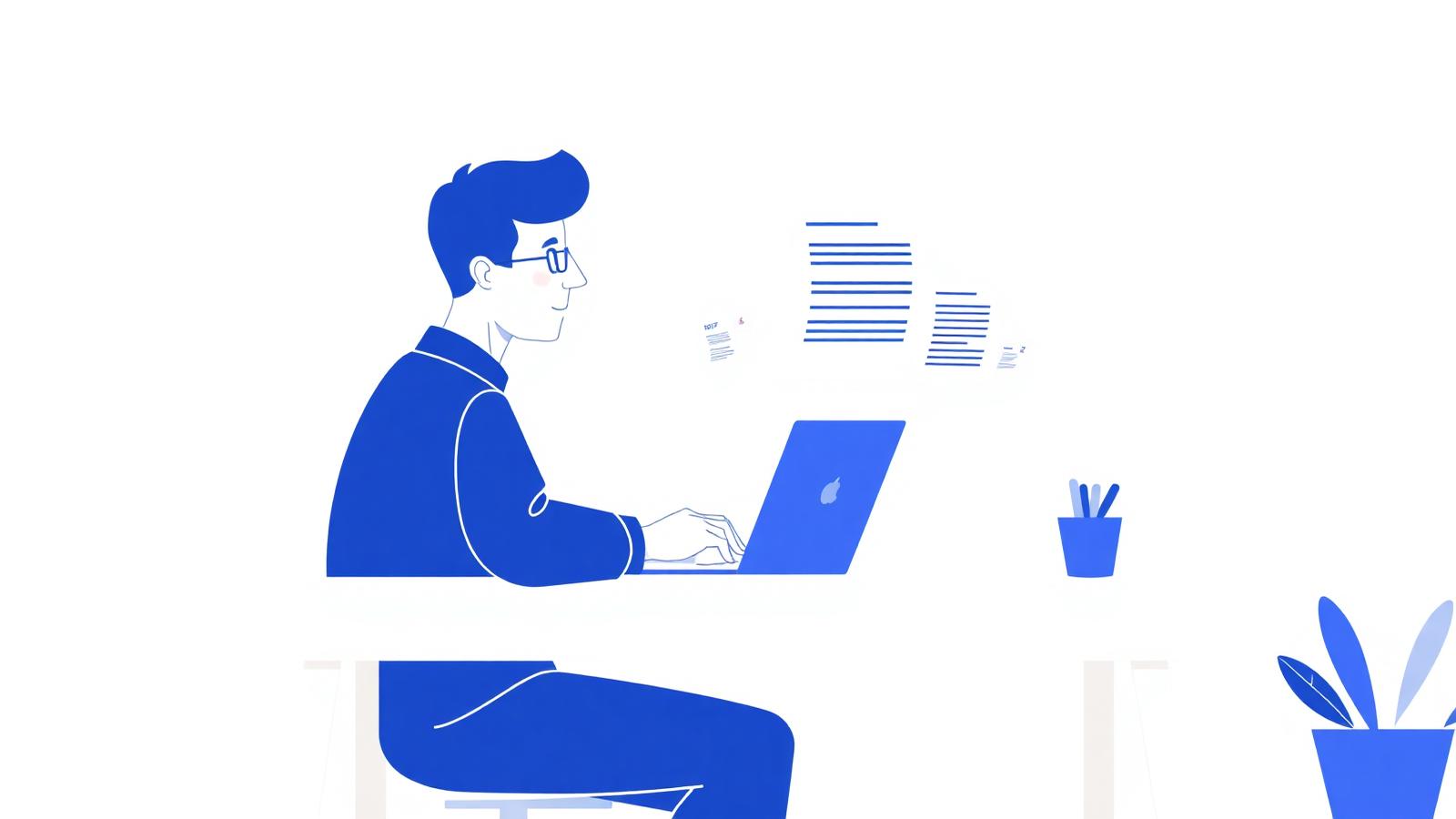
Every student knows the feeling. It is Sunday night, there are four chapters to get through, a 60-page lecture PDF you have not opened, an assignment due Wednesday, and a quiz you only half remember being announced. The material is not impossible — there is just far too much of it and far too little time.
The problem is rarely intelligence. It is volume. Reading everything at the same slow speed, highlighting half the page and hoping something sticks is a strategy that stops working the moment your workload grows.
That is exactly the gap an AI study assistant fills. It does not study for you — it clears the boring layer on top so the time you do have goes into actual understanding. This guide explains what these tools are, how to use one properly, and how to get answers you can trust.
What an AI study assistant actually is
An AI study assistant is a tool you give your own material to — a lecture PDF, a textbook chapter, a photo of handwritten notes — and then talk to in plain language. It reads the document and answers from it.
That last part matters. A general chatbot answers from whatever it learned on the internet. A study assistant answers from *your* syllabus, your slides, your professor's wording. When you ask "what does this chapter say about elasticity?", it looks in the chapter.
In practice, an AI tool for students usually does five things well:
- **Summarizing.** Turning 40 pages into a one-page overview you can actually revise from.
- **Explaining.** Rewriting a dense paragraph at whatever level you ask for — simple, exam-level or technical.
- **Answering questions.** Pulling a specific definition, date, formula or example out of a long document in seconds.
- **Testing you.** Generating quiz questions and flashcards so revision is active instead of passive re-reading.
- **Reading images.** Making sense of diagrams, charts, screenshots and handwritten pages, not just typed text.
Used well, that is easily two or three hours back in a normal study week — the hours normally lost to hunting for one paragraph in a PDF.
Where the time actually goes (and how AI gives it back)
Think about a single lecture PDF. You skim it once to see what is in it. You skim again to find the parts that matter. You copy some of it into your notes. You reread the two paragraphs you did not understand. Then you try to remember any of it a week later.
Only one of those steps is real learning. The rest is document handling, and document handling is what software is good at.
When you summarize PDF with AI, the skimming and note-copying collapse into a few seconds. What is left is the part that needs your brain: checking the summary against the source, understanding the hard bits, and practising recall until it sticks.
This is also why students with heavy reading loads — law, medicine, history, engineering — tend to notice the difference first. The more pages you have, the bigger the saving.
Step by step: using the NovaDocs AI Study Assistant
The AI Study Assistant runs in your browser, works on a phone as well as a laptop, and needs no software install. Here is the full workflow.
1. Upload your material
Open the tool and drop in your file. It accepts PDFs, images, screenshots, photos of handwritten notes, diagrams and charts. If your lecture notes are a photo taken in class, that is fine — it reads images too.
2. Start with a summary
Ask for a summary first, even if you have a specific question. A summary gives you the shape of the document — what it covers, in what order, and where your topic sits. Try: "Summarize this chapter in 10 bullet points, then list the key terms."
3. Ask questions from the PDF
Now dig in. Ask exactly what you would ask a tutor: "Explain the second theory in simple words", "What is the difference between these two processes?", "Give me an example of this in real life." Each answer comes from the document you uploaded.
4. Get explanations at your level
If an answer is still too dense, say so. "Explain that like I am 12" and "explain that at university exam level" produce genuinely different answers. Adjusting the level until it clicks is the single most underused feature of any AI tool for students.
5. Turn it into revision material
Finish by asking for practice: "Make 10 exam questions from this chapter with answers" or "Create flashcards for the key terms." Testing yourself beats rereading, and now the questions come from your own syllabus rather than a generic question bank.
6. Keep the output
Copy the summary and questions into your notes app, or save them as a document with Text to PDF so your revision pack is ready the night before the exam.
Best ways students actually use it
Exam preparation
Upload the past three years of past papers plus the syllabus and ask which topics repeat. Then summarize each repeated topic and generate practice questions. Two hours of this beats a whole day of unfocused rereading.
Research papers
Academic papers are written for other researchers, not for you at 11pm. Ask for the research question, the method, the findings and the limitations in plain English, then read the sections that matter to your own work.
Lecture notes
Photograph your handwritten notes after class and ask the assistant to tidy them into structured points. Gaps show up immediately — if it cannot explain something, your notes probably missed it.
Textbook chapters
Get a chapter overview before you read, not after. Knowing the five main ideas in advance makes the actual reading dramatically faster because you know what you are looking for.
Group projects and presentations
Feed in the source documents, ask for the key arguments, and split them between the team. Combine everyone's sections afterwards with Merge PDF.
Tips for getting accurate results
An AI study assistant is only as good as the material and the question you give it. These habits make a visible difference.
- **Upload a clean file.** A crooked, shadowy photo of a page produces a weaker answer than a straight, well-lit one. For old scans, run OCR first so the text is machine-readable.
- **Ask one thing at a time.** Three questions in one message get three shallow answers. One question gets a good one.
- **Say who the answer is for.** "Explain for a first-year student" or "answer as if marking an exam" changes the depth and tone usefully.
- **Ask for the source.** "Which section of the document says that?" is the fastest way to check an answer is grounded in your material.
- **Split enormous files.** For a 500-page book, use Split PDF and work chapter by chapter — smaller context, sharper answers.
- **Always verify formulas, dates and numbers.** Treat AI output as a very fast first draft, not as a citation.
And one rule worth repeating: use it to understand, not to submit. Pasting AI text into an assignment is plagiarism at most institutions, and it also skips the part of studying that actually earns marks.
Is a free AI study assistant good enough?
For the vast majority of student work, yes. A free AI study assistant handles summaries, explanations, question answering and quiz generation perfectly well — those are not premium features, they are the basics.
The NovaDocs AI Study Assistant is free to use, needs no account for a quick session, runs over an encrypted connection, and does not keep your documents after processing. Your lecture notes stay yours.
Where paid tools differ is mostly volume — very long documents, many files at once, or saved workspaces. If you are studying from one chapter at a time, you will not hit those limits.
Frequently Asked Questions
- Is the AI Study Assistant free to use?
- Yes. The AI Study Assistant is free, runs in your browser and needs no install. It is designed as an AI study assistant free for students on any device.
- Can it read handwritten notes and diagrams?
- Yes. It is multimodal, so photos of handwriting, diagrams, charts and screenshots work alongside normal PDFs. Very messy handwriting is less reliable — a clear, well-lit photo helps a lot.
- How accurate are the summaries?
- Summaries of clear, text-based documents are generally very accurate. Always spot-check numbers, dates and formulas against the original, and ask which section an answer came from if you are unsure.
- Is using an AI tool for students considered cheating?
- Using it to understand material, summarize reading or test yourself is normal study support. Submitting AI-written text as your own work is not. Check your institution's policy and keep the writing yours.
- Does it work on a phone?
- Yes. The tool is fully mobile-responsive, so you can photograph a textbook page and summarize PDF with AI straight from your phone between classes.
Start with the chapter you are avoiding
Studying smarter in 2026 is not about working longer hours. It is about spending your hours on understanding instead of on finding, skimming and copying.
Open the AI Study Assistant at novadocsai.com, upload the file you have been putting off, and ask it for a ten-point summary. Five minutes from now you will know exactly what you are dealing with — and that is usually the hardest part.
Ready to try it yourself?
All the PDF & AI tools mentioned in this article — free to use.
Related articles

Get weekly PDF & AI tips
Join thousands of students and professionals getting productivity tips in their inbox.