AI Notes Generator from PDFs, Images & Handwriting
Convert any source — PDFs, screenshots or scanned handwriting — into structured study notes in seconds.
Good notes have three qualities: they capture what matters, they organize it into a shape you can review, and they leave enough space for your own thinking. Great notes are hard because they take time — the two hours after class when your brain is already tired.
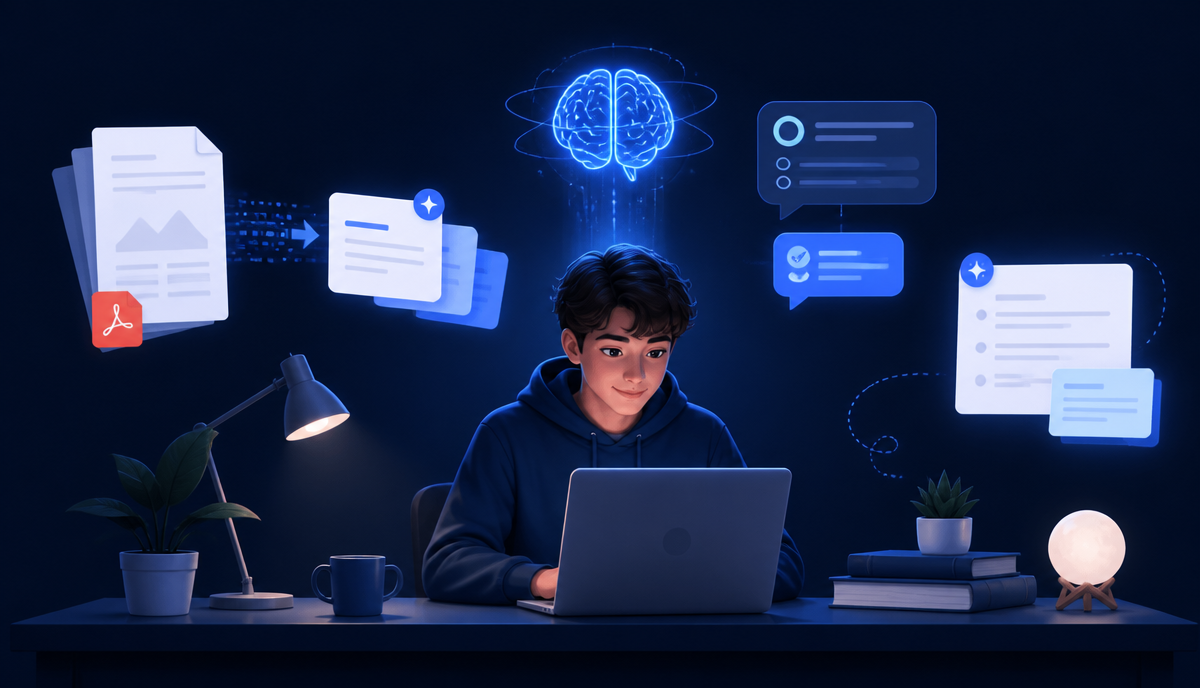
An AI notes generator collapses that hour into seconds. NovaDocs AI reads any source — PDF, image, screenshot or handwritten page — and produces a clean, structured note you can edit and export.
Why AI notes are different
Traditional "summarizer" tools give you a paragraph. AI notes give you a structure:
- Section headings that match the source
- Concise bullet points, not walls of text
- Highlighted key terms and definitions
- A quick recap at the end for review
- Optional callouts for formulas, dates, and quotes
Works with any input
PDFs and DOCX
Drop a textbook chapter or research paper into AI Study Assistant, choose AI Notes, and get an outline that mirrors the document's structure — perfect for pre-lecture prep or exam revision.
Images and screenshots
Snap a picture of a slide, a whiteboard, or a page from a friend's textbook. NovaDocs AI extracts the text with OCR, cleans up the reading order, and generates notes.
Handwriting
Handwritten notes are the hardest case — messy layouts, arrows, sketches. The OCR engine handles printed and handwritten text in 100+ languages, then feeds the reconstructed text to the notes generator. Even Urdu and Sindhi handwriting is supported.
Export anywhere
- Markdown — for Obsidian, Notion, Bear
- DOCX — for Word and Google Docs
- PDF — for printing and sharing
- Plain text — for anywhere else
A four-step study loop
Notes are only useful if you review them. Combine AI Notes with the rest of NovaDocs AI:
- Generate notes from the source
- Turn notes into flashcards for spaced repetition
- Take a quiz to identify weak spots
- Use Chat with PDF to ask follow-up questions
I photograph the whiteboard at the end of class. By dinner I have notes and flashcards for the whole lecture.
Tips for better AI notes
- Scan pages at 300 DPI or higher for cleaner OCR
- Use even lighting — avoid flash and glare
- For handwriting, pick the correct language pack (or use auto-detect)
- For long PDFs, generate notes chapter by chapter for tighter output
Frequently Asked Questions
- Can I edit the generated notes?
- Yes — every output is fully editable in the browser and can be re-exported.
- Do notes include the source citations?
- Yes. Each section links back to the page or region it came from.
- Does it handle equations?
- Yes — mathematical notation is preserved and rendered.
- What about diagrams?
- Diagrams are described textually and included as embedded images in the output.
Get started
Open AI Study Assistant, upload a file, and pick AI Notes. That is the whole flow.
Ready to study smarter? Upload any file to NovaDocs AI and instantly summarize, translate, generate notes, quizzes and flashcards with AI.
Ready to try it yourself?
All the PDF & AI tools mentioned in this article — free to use.
Related articles

Get weekly PDF & AI tips
Join thousands of students and professionals getting productivity tips in their inbox.