How Teachers Can Save Time with AI
Practical AI workflows for teachers: turn lesson materials into quizzes, notes and translations in minutes.
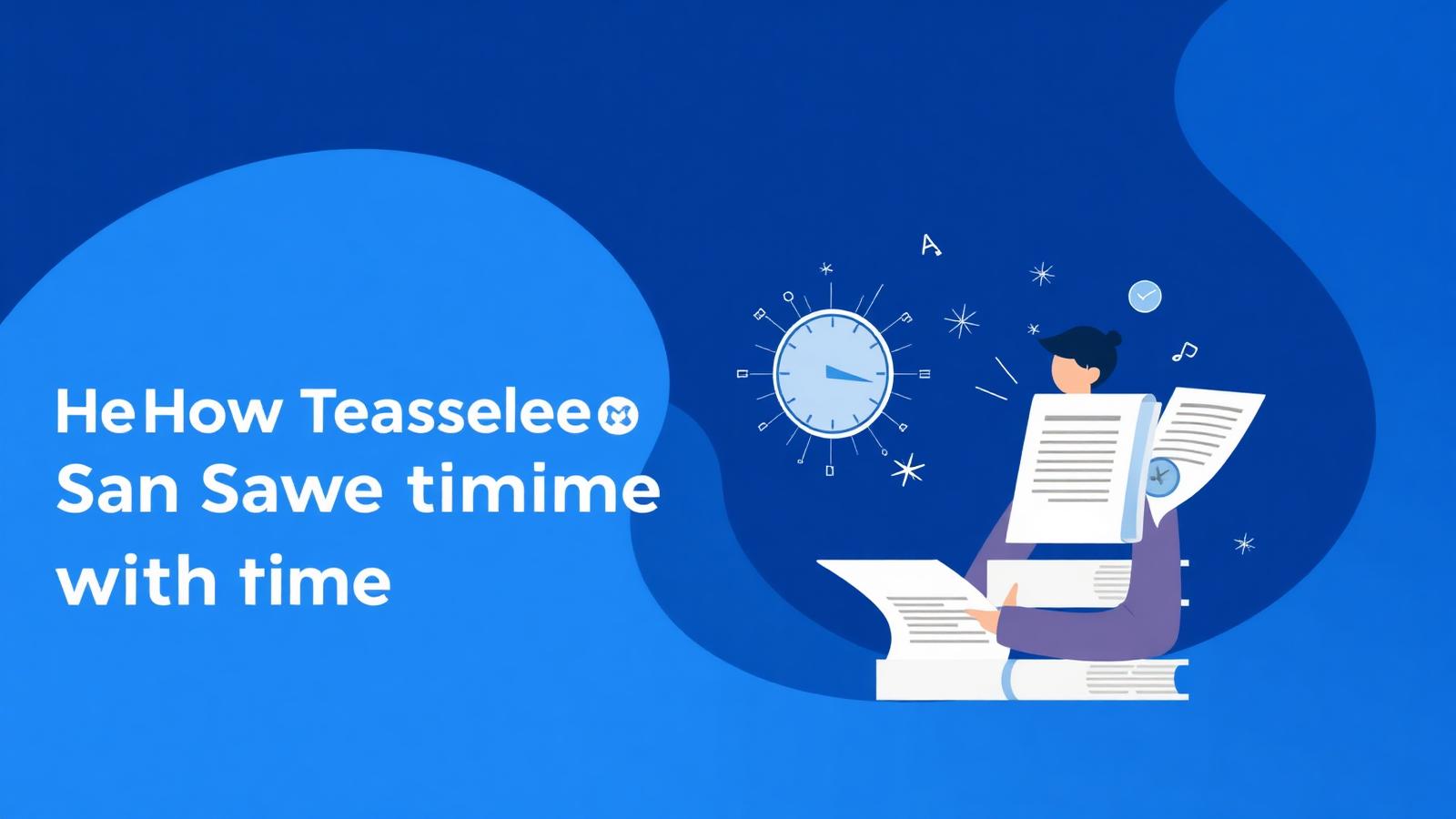
Teachers work two jobs: the one in the classroom and the one at the kitchen table at 10pm — grading, planning, printing, translating notes for the one parent who doesn't speak the local language.
AI can't teach a class, but it can shave hours off the second job. Here's how to use NovaDocs AI as a teaching assistant that never sleeps.
Turn any lesson into a quiz
Upload the slide deck, textbook chapter or handout to AI Study Assistant and generate a 10, 20 or 40-question quiz. Multiple choice, short answer or cloze deletion — your call. Export to PDF for print or DOCX for Google Classroom.
Generate lesson summaries for absent students
For students who missed class, run the day's material through AI Summarizer and send a one-page recap. It captures the key ideas without spoiling the reading.
Translate for multilingual classrooms
Parent-teacher night in a diverse classroom is easier when you can send home notes in the parent's language. AI Translator handles 100+ languages, including Urdu, Sindhi and Hindi, with the layout intact — no reformatting on your end.
Digitize handwritten worksheets
Have a stack of old handwritten worksheets you want to modernize? Photograph each page and run it through OCR. Export as DOCX and you have an editable version you can update for this year.
Make flashcards for revision weeks
The week before an assessment, generate flashcards from the unit's material and share them with the class. Students can study independently, and you didn't spend Saturday typing cards.
Convert freely between formats
- Word to PDF for printing worksheets without formatting drift
- PowerPoint to PDF for archiving slide decks with fonts embedded
- Excel to PDF for gradebooks that need to be shared as read-only
- Merge PDF for combining individual handouts into one packet
- Compress PDF for emailing large PDFs without hitting attachment limits
Example: a Friday afternoon workflow
- Upload the week's teaching PDF to NovaDocs AI
- Generate a summary and email it to any absent students
- Generate a 15-question quiz for Monday's warm-up
- Generate flashcards and share them via the class portal
- Translate the summary into two home languages for parents
- Total time: 20 minutes
I used to spend 3 hours making a quiz. Now it's 5 minutes and I spend those hours planning better lessons.
Privacy for classrooms
Student data is sensitive. Files uploaded to NovaDocs AI are processed to generate your requested output and are never used to train models. Delete a file and it's gone. If your district requires an admin agreement, contact us.
Frequently Asked Questions
- Is NovaDocs AI safe for classroom use?
- Yes — files are processed only to produce your output and are never used to train models.
- Can I bulk-generate quizzes for a whole term?
- Yes — upload each unit's material and generate quizzes one at a time, or use our upcoming batch tools.
- Do you support Google Classroom?
- Export outputs as DOCX or PDF and attach them to Google Classroom assignments.
- Is there a teacher plan?
- Core features are free. Contact us for classroom licensing options.
Start with one workflow
Pick one recurring task — quiz generation, weekly summaries, or parent translations — and run it through NovaDocs AI. Open AI Study Assistant to try it now.
Ready to study smarter? Upload any file to NovaDocs AI and instantly summarize, translate, generate notes, quizzes and flashcards with AI.
Ready to try it yourself?
All the PDF & AI tools mentioned in this article — free to use.
Related articles


Get weekly PDF & AI tips
Join thousands of students and professionals getting productivity tips in their inbox.