The Best Free Online PDF Tools in 2026
A single workspace for every PDF task — convert, merge, split, compress, sign and more, all free.
The PDF is 30+ years old and still the format of record. Yet most people still juggle five separate websites to convert one, merge two, or compress a third. It's absurd — and expensive when those sites charge per file.
NovaDocs AI puts every essential PDF tool in one workspace, and every core action is free. Here's the map.
Convert to and from PDF
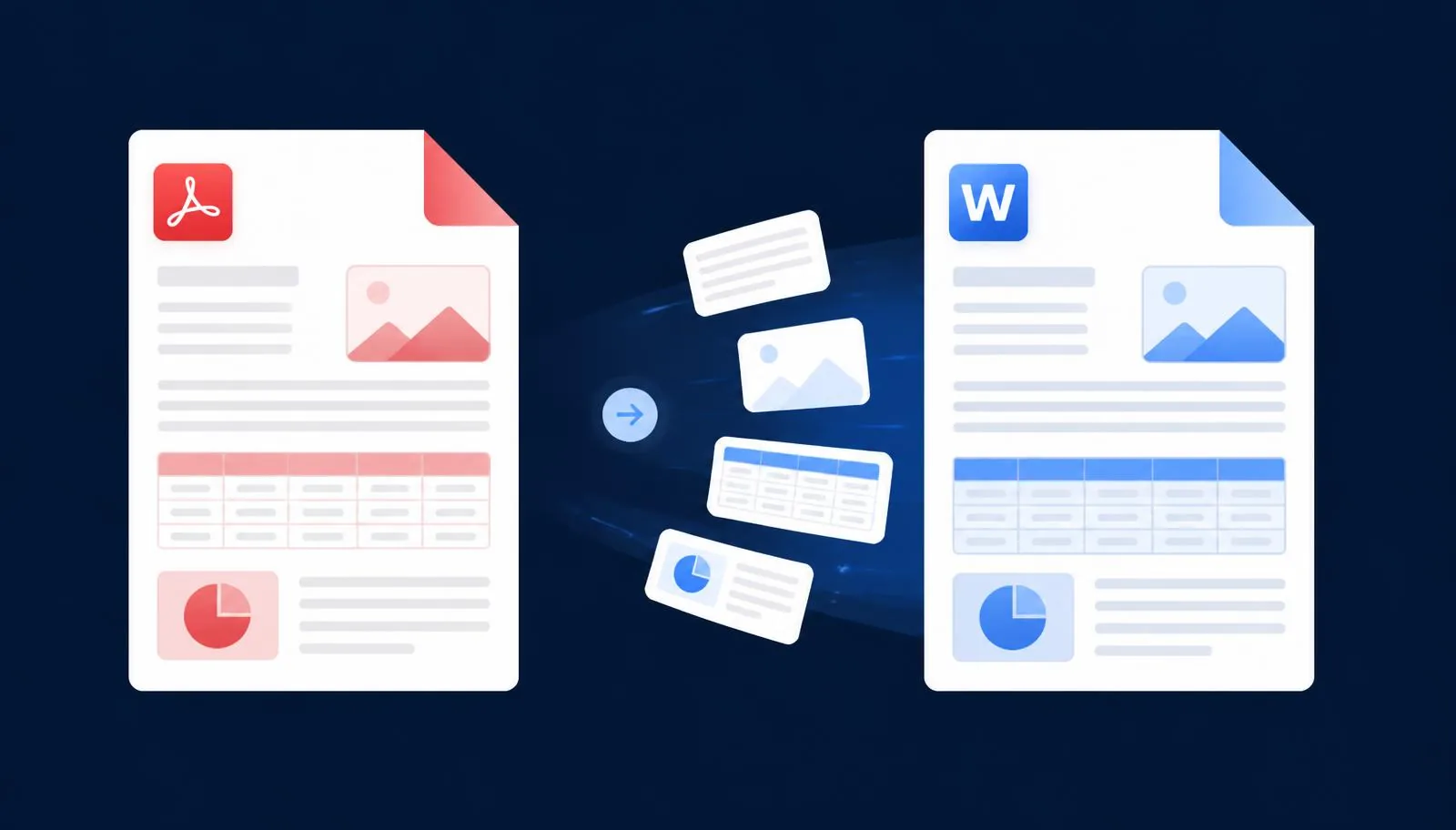
- PDF to Word — high-fidelity DOCX with headings, tables and images preserved
- PDF to Excel — extract tables into real spreadsheet cells
- PDF to PowerPoint — one slide per page, editable
- PDF to Image — export pages as JPG or PNG
- PDF to Text — clean UTF-8, no garbage characters
- Word to PDF — pixel-accurate output from DOCX
- Excel to PDF — spreadsheets exported with correct page breaks
- PowerPoint to PDF — decks converted with fonts and colors intact
- Image to PDF — combine multiple images into one PDF
Organize and edit
- Merge PDF — combine multiple PDFs into one
- Split PDF — pull out specific pages or ranges
- Extract Pages — save selected pages as a new PDF
- Remove Pages — delete pages permanently
- Reorder Pages — drag and drop into any order
- Rotate PDF — fix orientation for scans
- Page Numbers — add customizable page numbering
- Add Watermark — text or image watermarks
Optimize and secure
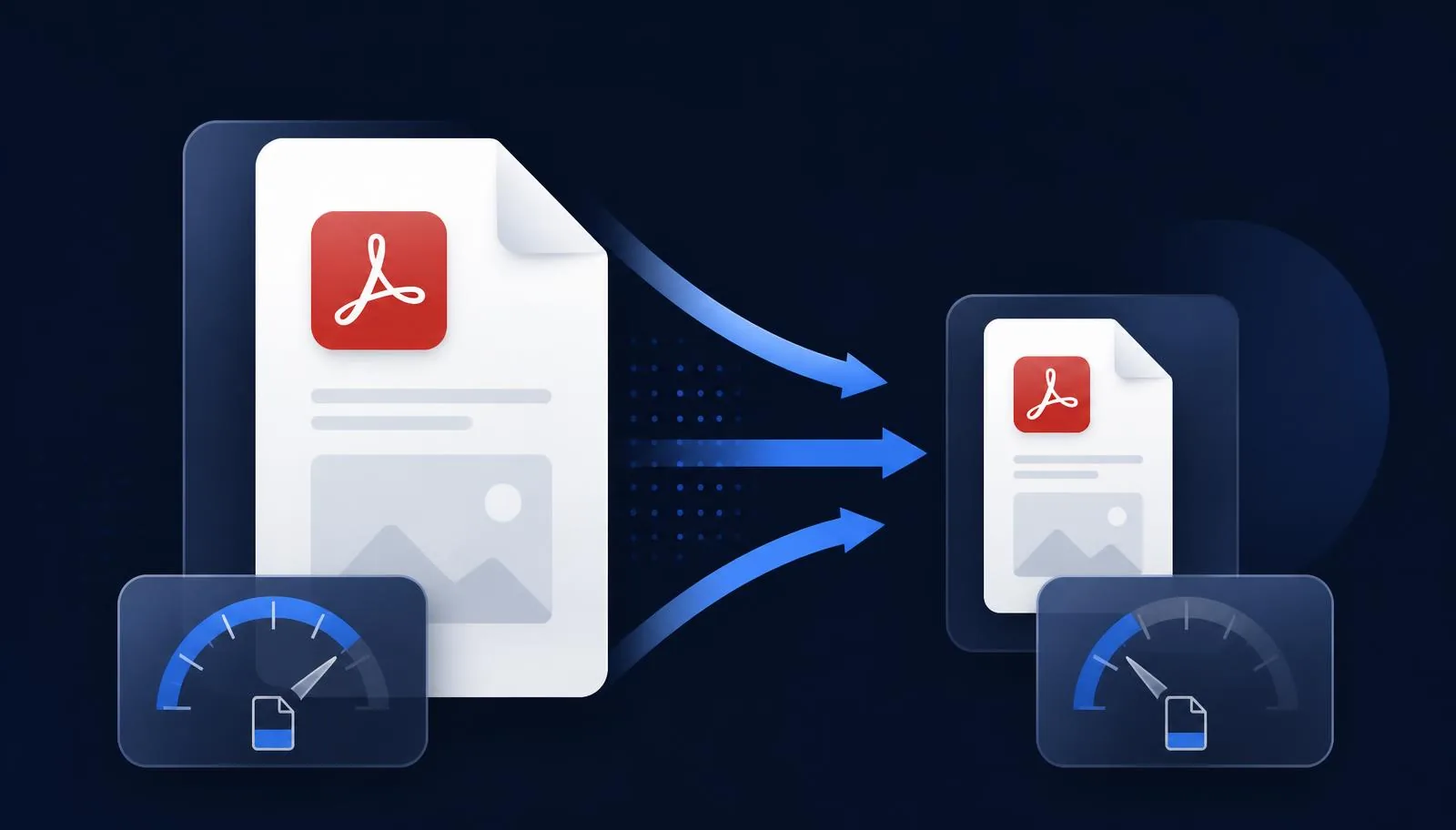
- Compress PDF — shrink files up to 80% without visible quality loss
- Lock PDF — password-protect with AES-256
- Unlock PDF — remove passwords from PDFs you own
- Sign PDF — draw, type or upload a signature
- Fill Forms — complete PDF forms in the browser
AI-powered PDF tools
This is where NovaDocs AI pulls ahead of every legacy PDF site:
- AI Summarizer — chapter-by-chapter recaps
- Chat with PDF — ask questions and get grounded answers
- AI Translator — 100+ languages, layout preserved
- OCR — turn scans into editable text
- AI Study Assistant — quizzes, flashcards and notes from any PDF
Why one workspace beats a browser full of tabs
- One upload works across every tool — no re-uploading
- Batch actions: merge then compress then sign in one flow
- Consistent quality — same PDF engine everywhere
- Privacy — files processed once, not shipped to five sites
I used to bookmark five PDF sites. Now I just use NovaDocs AI for everything.
Works on any device
NovaDocs AI runs in the browser — no installs, no desktop app. Every tool works on phone, tablet and desktop. Uploads use HTTPS, and all processing is done on encrypted infrastructure.
Frequently Asked Questions
- Are the tools really free?
- Yes — all core PDF and AI tools are free to use. Some heavy conversion actions may require a free account.
- Is there a file size limit?
- Individual uploads can be up to 100 MB. Use Split PDF to handle larger files.
- Do you add watermarks to the output?
- No. Output files are clean, no watermarks added.
- Are my files kept?
- Files are processed to produce your output and can be deleted immediately. They are never used to train AI models.
Get started
Pick a tool from the homepage or jump straight to a favorite like Merge PDF or Compress PDF. Everything works in the browser, no signup for the first use.
Ready to study smarter? Upload any file to NovaDocs AI and instantly summarize, translate, generate notes, quizzes and flashcards with AI.
Ready to try it yourself?
All the PDF & AI tools mentioned in this article — free to use.
Related articles

Get weekly PDF & AI tips
Join thousands of students and professionals getting productivity tips in their inbox.