How to Sign PDF Documents Online Free (2026 Guide)
Print, sign, scan, resend — that old loop is gone. Here's how to add a legally valid e-signature to any PDF in seconds, free and with no software to install.
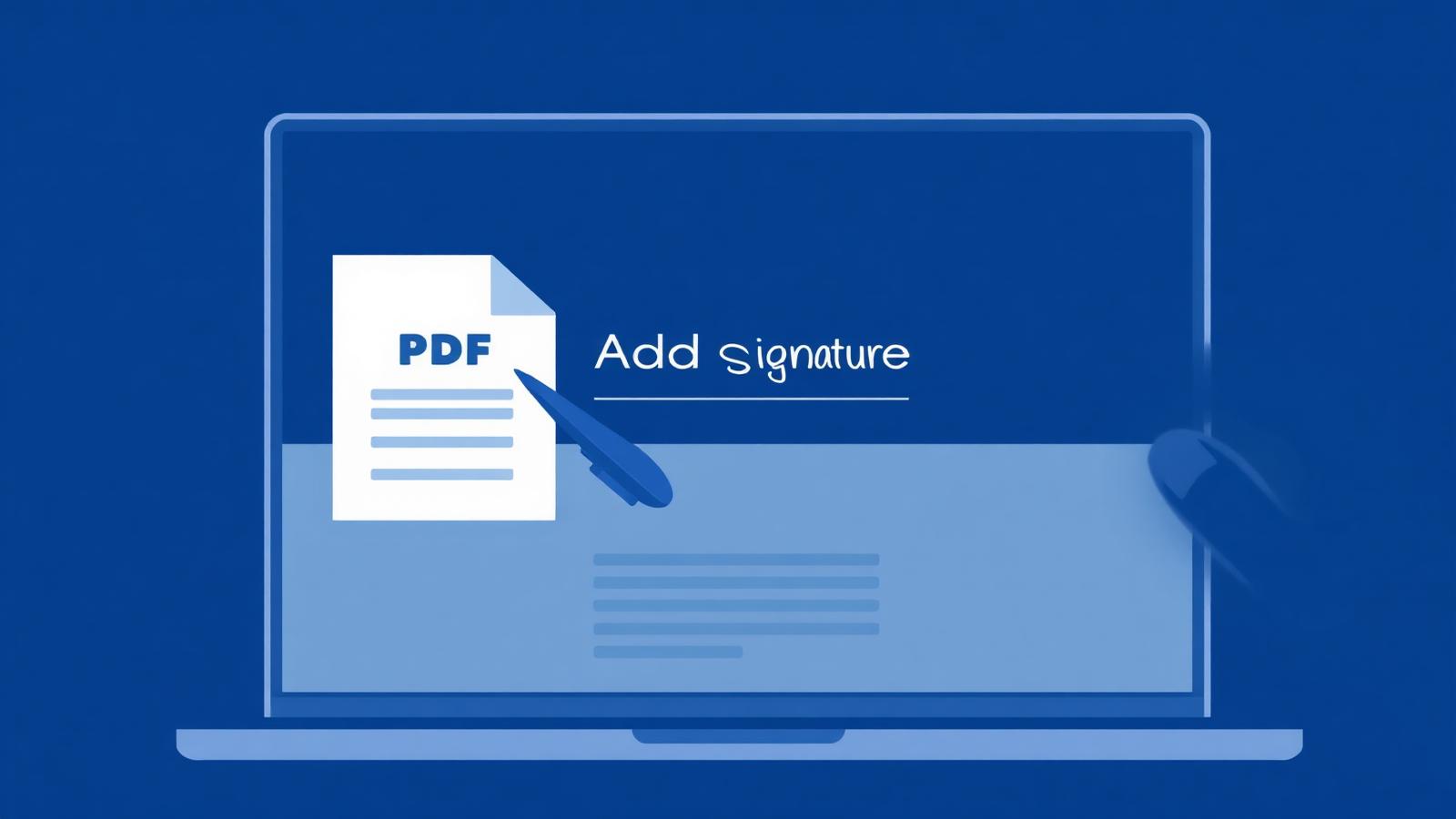
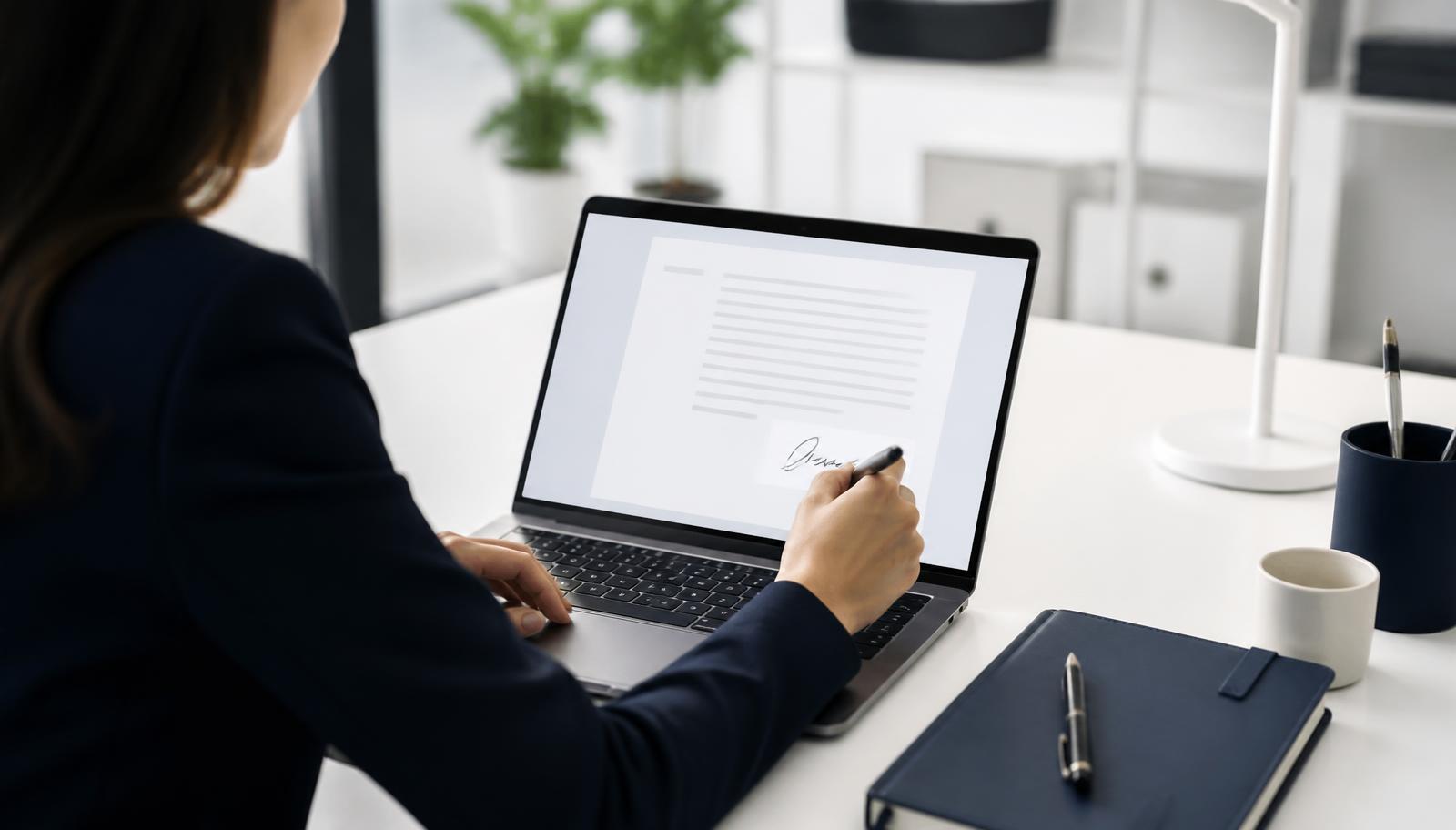
Signing a document used to mean printing it, signing with a pen, scanning it back, and emailing it — a process that could easily take 20 minutes for something that should take 20 seconds. Today, e-signatures have completely replaced this old routine, and the best part is you don't need to install any software or pay a subscription to do it.
Why E-Signatures Matter in 2026
Whether you're signing a job offer, a rental agreement, a freelance contract, or a school form, most organizations now accept digital signatures as legally valid. E-signatures save time, remove the need for a printer or scanner, and let you sign from anywhere — your phone, tablet, or laptop.
Here's why more people are switching to online PDF signing:
- Speed — sign a document in under a minute
- No printer needed — everything happens on-screen
- Trackable — know exactly when a document was signed
- Eco-friendly — no paper, no ink, no waste
Step-by-Step: How to Sign a PDF Using NovaDocs AI
Follow these simple steps to add your signature to any PDF document for free:
Step 1: Upload Your PDF
Go to NovaDocs AI's Sign PDF tool and upload the document you need to sign. You can drag and drop the file or select it from your device.
Step 2: Create Your Signature
You'll have three options to create your signature:
- Draw it using your finger or mouse
- Type it and choose from stylish signature fonts
- Upload an image of your handwritten signature
Step 3: Place Your Signature
Drag your signature to the exact spot on the document where it needs to go. You can resize it to fit neatly within the signature line.
Step 4: Download or Share
Once placed, download the signed PDF instantly, or share it directly via email — no extra steps required.
Is Online PDF Signing Legally Valid?
In most countries, including Pakistan, the US, UK, and EU, electronic signatures are legally recognized for the vast majority of business and personal documents — this is covered under e-signature laws like the ESIGN Act (US) and similar regulations elsewhere. Exceptions typically include highly sensitive legal documents like wills or certain court filings, which may still require a wet-ink signature.
For everyday use — contracts, agreements, forms, and approvals — an online signature carries the same weight as a handwritten one.
Common Mistakes to Avoid When Signing PDFs Online
- Using untrustworthy tools — always use a reputable, secure platform to avoid your document being stored or misused
- Signing without reviewing the full document — always read through the entire PDF before signing
- Placing the signature in the wrong spot — double-check the signature line placement before finalizing
- Not saving a copy — always keep a downloaded copy of the signed document for your records
Frequently Asked Questions
- Is it free to sign a PDF online with NovaDocs AI?
- Yes, signing a PDF using NovaDocs AI's Sign PDF tool is completely free, with no hidden charges or sign-up requirements.
- Do I need to install any software?
- No. The entire process happens in your browser — no downloads or installations needed.
- Can I sign a PDF from my phone?
- Yes, the tool is fully mobile-responsive, so you can sign documents directly from your smartphone or tablet.
- Is my document safe when I upload it?
- Yes, documents are processed securely and are not stored or shared without your permission.
- Can multiple people sign the same document?
- Yes, you can send the document to multiple signers and collect signatures from each of them digitally.
Ready to Sign Your Document?
Skip the printer, skip the scanner, and skip the wait. Sign your PDF documents online in seconds with NovaDocs AI's free Sign PDF tool.
Ready to try it yourself?
All the PDF & AI tools mentioned in this article — free to use.
Related articles

Get weekly PDF & AI tips
Join thousands of students and professionals getting productivity tips in their inbox.