Upload Any File and Learn Faster With AI
One upload, many outputs — summaries, quizzes, flashcards and translations from any file.
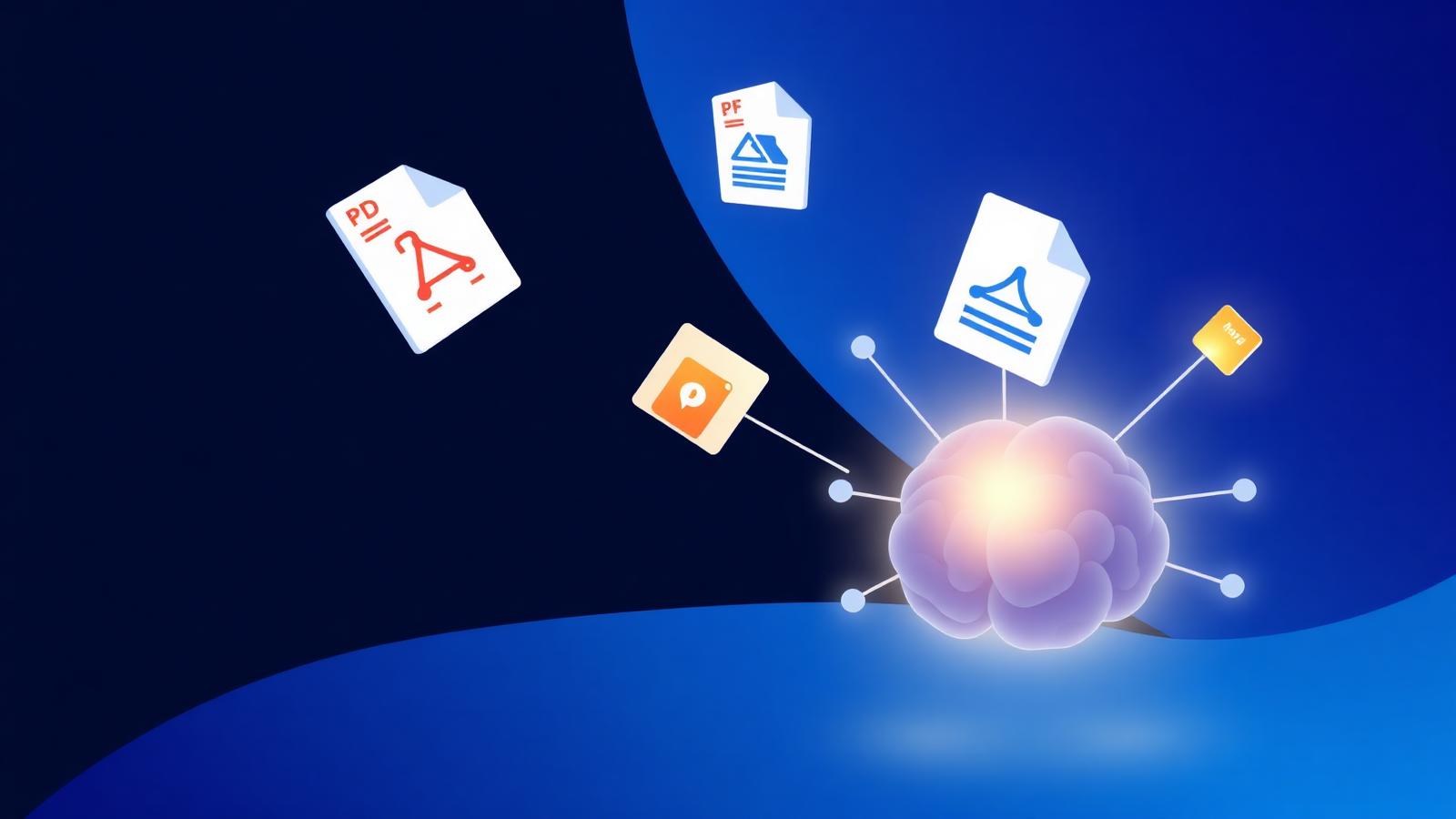
The fastest way to learn a new topic is to compress it. Reading a 300-page PDF cover-to-cover is not compression — it's endurance. Modern AI removes that friction: upload once, then choose the format that helps you learn.
NovaDocs AI is built around a single idea — AI Study Assistant should accept any file and give you back exactly the format you need.
Every file format, one workspace
Traditional tools force you to convert files before you can use them. NovaDocs AI accepts native formats directly:
- PDF — textbooks, past papers, research papers
- Word (DOCX/DOC) — essays, chapter drafts, notes
- PowerPoint (PPTX/PPT) — lecture slides, seminar decks
- Excel (XLSX/XLS) — datasets, financial models
- Images (JPG, PNG, HEIC) — screenshots, diagrams, whiteboards
- Handwriting — scanned notebooks, notes taken on tablets
Behind the scenes, NovaDocs AI normalizes each format, runs OCR on images and scans, and hands the extracted content to the study engine. You never see the plumbing.
From upload to understanding
Summary
Get the gist in minutes. The AI Summarizer produces a structured recap with headings and bullets — ideal for quick review before an exam or meeting.
AI notes
Ask for AI Notes and you get a clean, hierarchical outline you can paste into Notion, Obsidian or Google Docs. Perfect for building a personal knowledge base.
Quiz
Active recall beats re-reading. Generate multiple-choice, short-answer or cloze questions on your material and self-test in minutes.
Flashcards
Auto-generated flashcards with question on the front and detailed answer on the back — ready to import into Anki or study directly in the browser.
Chat with your document
For deep dives, open Chat with PDF and ask targeted questions. The assistant grounds its answers in your file, so you get citations instead of guesses.
Translate on the fly
Study material rarely comes in a single language. NovaDocs AI's AI Translator supports 100+ languages including English, Urdu and Sindhi, and preserves headings, tables and lists — a scanned Urdu textbook becomes a translated PDF you can read side-by-side with the original.
Any device, any time
NovaDocs AI runs entirely in the browser. On a laptop you can drag and drop. On a phone you can snap a photo of a whiteboard and get flashcards before the lecture is over. Everything syncs when you sign in.
Private and secure
Uploads are encrypted in transit and processed only to generate the output you asked for. They are never used to train AI models. Delete a file and it is gone — including from any conversation memory.
I dropped a photo of my chemistry notes into NovaDocs AI on the bus. By the time I got to campus I had flashcards on my phone.
Build your workflow
Try this weekly rhythm:
- Monday — upload the week's readings and generate summaries
- Wednesday — convert them to flashcards and start spaced repetition
- Friday — quiz yourself and identify weak areas
- Sunday — chat with the source to close remaining gaps
Frequently Asked Questions
- Is there a file size limit?
- You can upload files up to 100 MB. Larger PDFs can be split with our free Split PDF tool first.
- Do you support Google Docs?
- Export your Doc as PDF or DOCX and upload it. Direct Google Drive import is on the roadmap.
- Can I export the generated notes?
- Yes — export as Markdown, DOCX or PDF from any output screen.
- Does it work offline?
- Uploads and AI processing require an internet connection. Downloaded outputs work offline.
Get started
Open AI Study Assistant, upload any file, and pick an action. There is nothing to install and nothing to configure.
Ready to study smarter? Upload any file to NovaDocs AI and instantly summarize, translate, generate notes, quizzes and flashcards with AI.
Ready to try it yourself?
All the PDF & AI tools mentioned in this article — free to use.
Related articles


Get weekly PDF & AI tips
Join thousands of students and professionals getting productivity tips in their inbox.