OCR: Convert Images and Handwritten Notes to Text
Turn photos, scans and handwritten pages into searchable, editable text — in over 100 languages.
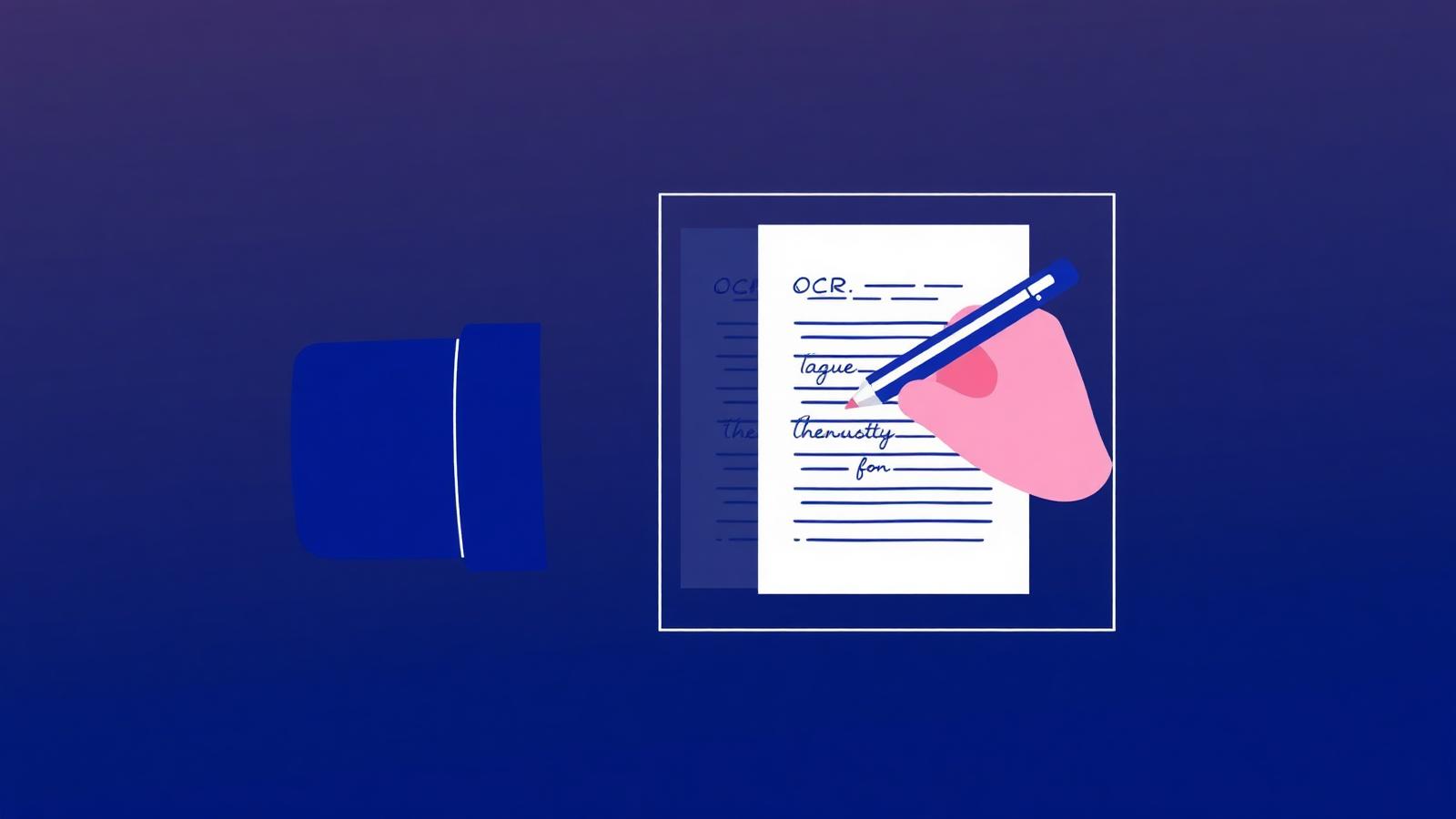
OCR — optical character recognition — used to mean a scanner icon and a hope-for-the-best output. Modern OCR is different. It reconstructs reading order, understands columns and headings, ignores decorative elements, and fixes low-confidence regions with AI.
NovaDocs AI's OCR was built for real-world documents: crumpled receipts, whiteboard photos, scanned textbooks and handwritten notebooks — in any of 100+ languages.
What modern OCR does differently
- Layout analysis — detects columns, headings, lists and tables
- Reading order reconstruction — top to bottom, left to right (or right to left)
- Language auto-detection — no need to pick before scanning
- AI post-processing — cleans up low-confidence regions
- Handwriting support — including cursive and non-Latin scripts
Special focus on South Asian languages
Most OCR tools stop at Latin, Chinese, Japanese and Korean. NovaDocs AI adds first-class support for:
- Urdu — full script, RTL reading order, ligature-aware
- Sindhi — full script and RTL support
- Hindi, Bengali, Punjabi, Tamil, Telugu — Indic scripts
- Arabic and Farsi — RTL with proper joining
For Urdu and Sindhi, the exported text uses proper Unicode UTF-8 so it renders correctly in Word, Google Docs, WhatsApp and any modern browser.
Export options
- TXT — plain UTF-8, for maximum compatibility
- DOCX — editable Word document with formatting preserved
- Searchable PDF — the original image plus a hidden text layer, so you can select and search
Tips for accurate handwriting OCR
- Scan at 300 DPI or higher
- Prefer even, diffuse lighting over flash
- Photograph one page at a time — don't include desk clutter
- For non-Latin scripts, let the language auto-detect first, then override if needed
- Rotate the image so the text reads left-to-right (or right-to-left for RTL) before uploading
I digitized 12 years of my grandfather's Sindhi notebooks in a weekend. The text came out clean enough that I could search it.
From OCR to study
OCR is a means, not an end. Once you have text, run AI Summarizer for a recap, generate AI Study Assistant flashcards, or AI Translator into another language. NovaDocs AI does all of it in one workspace.
Frequently Asked Questions
- Does it work on cursive handwriting?
- Yes. Accuracy depends on legibility, but modern OCR handles most cursive scripts well.
- Can I OCR a scanned Urdu textbook?
- Yes — with full script and RTL support. Export as DOCX or searchable PDF.
- Is my scan stored?
- Only temporarily to produce the text output. It is not used for training and can be deleted anytime.
- How many languages are supported?
- Over 100, including English, Urdu, Sindhi, Hindi, Arabic, Chinese, Japanese and Korean.
- Can OCR turn a scanned PDF into editable text?
- Yes. Run the scan through OCR and export it to Word or plain text to edit it normally.
- How do I improve OCR accuracy?
- Scan straight, at around 300 DPI, in even light, and choose the correct document language before recognition.
- Is OCR free on NovaDocs AI?
- Yes, the OCR tool is free to use in the browser with no signup.
How OCR works, step by step
OCR — optical character recognition — turns a picture of text into text a computer can search, copy and edit. The page is straightened and cleaned, lines and words are separated, each character shape is recognised, and a language model repairs the words that were half-guessed.
- Upload a photo, screenshot or scanned PDF to OCR.
- Select the document language for the best character accuracy.
- Run recognition and read the extracted text on screen.
- Export it — copy it out, send it to Word, or push it into the AI Study Assistant for notes and flashcards.
A straight, evenly lit 300 DPI scan of printed text gives the cleanest result. Shadows, curved book spines and faint pencil are what push accuracy down.
Try it
Open OCR, upload an image or scan, and pick a language (or auto-detect). Editable text in seconds.
Ready to study smarter? Upload any file to NovaDocs AI and instantly summarize, translate, generate notes, quizzes and flashcards with AI.
Ready to try it yourself?
All the PDF & AI tools mentioned in this article — free to use.
Related articles

Get weekly PDF & AI tips
Join thousands of students and professionals getting productivity tips in their inbox.