How to Make Flashcards from PDF Free - Complete AI Guide for Students
Tired of manually creating flashcards? Learn the fastest way to convert any PDF into perfectly formatted flashcards using a free AI study assistant in just 60 seconds.
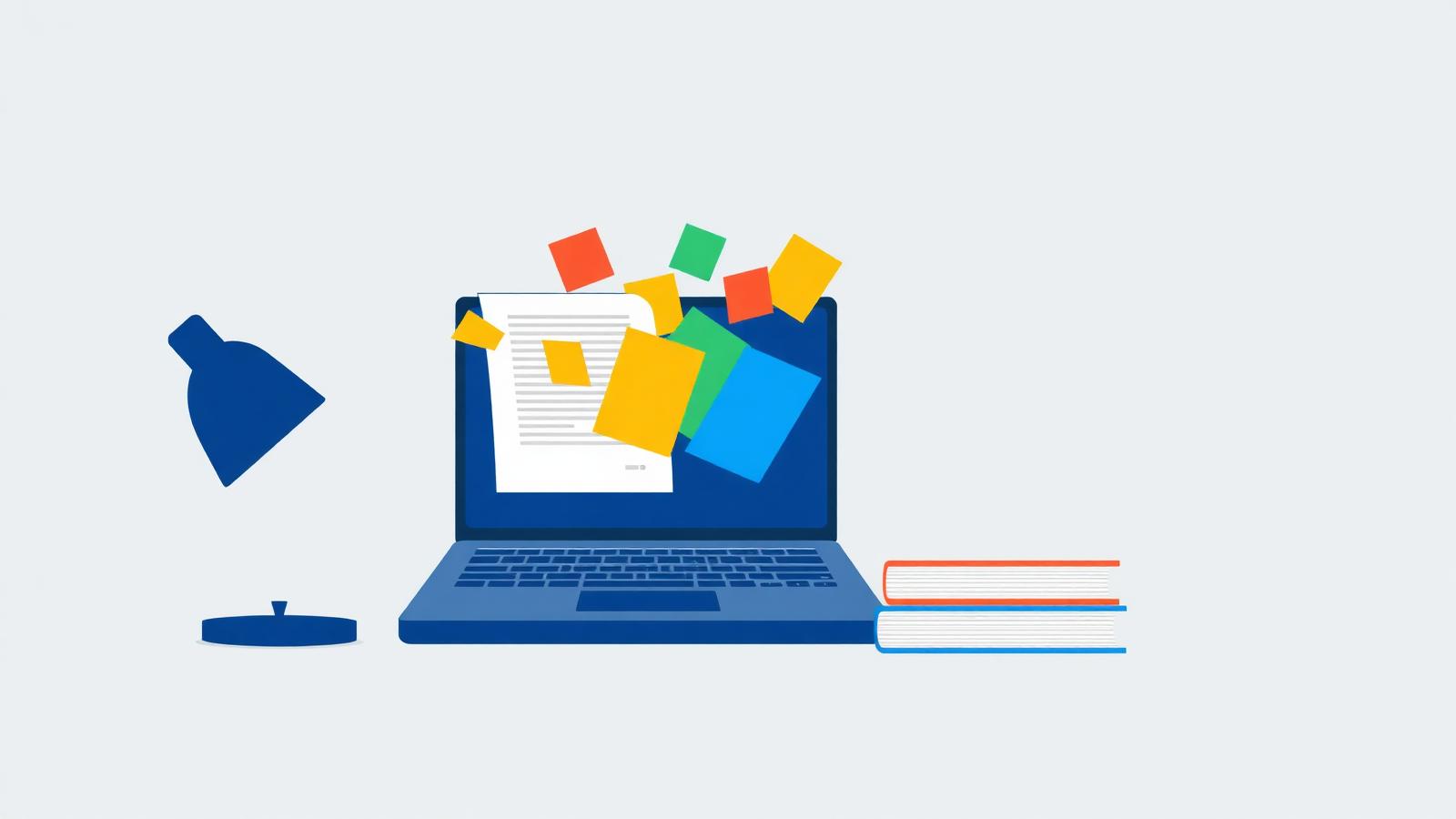
Tired of manually creating flashcards? You are not alone. Thousands of students spend entire evenings copying definitions out of textbooks and lecture PDFs — time that should be spent actually studying. In this guide, you will learn the fastest way to convert any PDF into perfectly formatted flashcards using a free AI tool, in just 60 seconds. No sign-up, no credit card, and no more hand cramps.
Why Manual Flashcards Waste Your Time
Flashcards are one of the most scientifically proven study techniques — active recall and spaced repetition can double how much you remember compared to re-reading. The problem is not the flashcards themselves. The problem is making them.
Think about what manual flashcard creation actually involves. You open a 40-page lecture PDF, read every paragraph, decide what is important, rephrase it into a question and an answer, and then write or type it onto a card. For a single chapter, that process easily takes two to three hours. Multiply that by five subjects during exam preparation season, and you are spending more time making study materials than studying with them.
- **Reading time** — you must read everything before you can summarize anything
- **Decision fatigue** — constantly judging what is "important enough" for a card
- **Rephrasing effort** — turning dense academic text into clean Q&A pairs is real mental work
- **Formatting** — handwriting or typing cards neatly is slow and repetitive
- **Inconsistency** — tired cards at 1 AM are worse than fresh cards, and quality drops
The result? Many students either burn out before they finish, or they make cards for only half the syllabus. Neither is a recipe to study smarter or learn faster. That is exactly the problem AI-powered flashcard generation was built to solve.
What Is an AI-Powered Flashcard Generator?
An AI-powered flashcard generator is a tool that reads your study material — a textbook chapter, lecture slides, or research paper in PDF form — and automatically extracts the key concepts, definitions, dates, and formulas, then turns them into ready-to-review question-and-answer flashcards.
Instead of you hunting for important points, the AI does it for you. It understands the structure of the document, identifies what a teacher would most likely ask in an exam, and phrases it as a clear question with a concise answer. The whole process takes seconds instead of hours.
The NovaDocs AI Study Assistant does exactly this. It is a free study tool that lets you upload any PDF and instantly generate flashcards, notes, and quizzes from it — making it one of the most complete free flashcards solutions available to students in 2026.
Step-by-Step Guide: PDF to Flashcards in 3 Minutes
Here is the complete process, from a raw PDF on your device to a deck of free flashcards ready for exam preparation. The first time takes about three minutes; after that, it takes under a minute.
Step 1: Open the Free AI Study Assistant
Go to the NovaDocs AI Study Assistant. There is nothing to install and no account required to get started — it runs right in your browser on any laptop, tablet, or phone.
Step 2: Upload Your PDF
Drag and drop your PDF into the upload area. This can be lecture slides, a textbook chapter, past paper notes, or even scanned handwritten notes. If your document is a scanned image-based PDF, run it through the free OCR tool first to convert it to readable text for the best results.
Step 3: Ask for Flashcards
Once the document is processed, simply ask in plain language: "Create flashcards from this chapter" or "Make 20 Q&A flashcards on the key definitions." The AI reads the entire document and generates clear, exam-style question-and-answer pairs automatically.
Step 4: Review and Refine
Skim the generated cards. Want more cards on a specific topic? Just ask: "Add 10 more flashcards about chapter 3." Want simpler wording? Ask for that too. You stay in control — the AI just does the heavy lifting.
Step 5: Study, Quiz, Repeat
Use the cards for active recall sessions, then go further: ask the same tool to generate a quiz from your material to test yourself. Pairing flashcards with self-testing is one of the fastest ways to learn faster before an exam.
Benefits: Save 10+ Hours Per Subject
The time math is simple. Manually creating a full deck of flashcards for one subject typically takes 8–12 hours across a semester. With an AI study assistant, the same output takes minutes. Here is what that means in practice:
| Task | Manual Method | With AI Study Assistant |
|---|---|---|
| Reading & identifying key points | 2–3 hours per chapter | Done automatically in seconds |
| Writing Q&A pairs | 1–2 hours per chapter | Generated instantly on request |
| Formatting cards | 30–60 minutes | Clean, consistent output |
| Revising weak topics | Rewrite cards by hand | Ask for more cards on that topic |
| Total per subject | 8–12 hours | Under 30 minutes |
- **Save 10+ hours per subject** — spend that time on actual revision, not card-making
- **Better coverage** — the AI reads every page, so nothing important gets skipped at 1 AM
- **Consistent quality** — every card is clear and exam-focused, not rushed or sloppy
- **Works on any subject** — biology definitions, history dates, law cases, math formulas, language vocabulary
- **Completely free** — no subscription, no credit card, no hidden limits to start
How to Use Our Free Tool (Walkthrough)
Let's put it all together with a realistic example. Imagine you have a 35-page biology PDF on cell structure and your exam is on Friday.
- Open the AI Study Assistant in your browser
- Upload the biology PDF — it takes a few seconds to process
- Type: "Create 25 flashcards covering the key terms and processes in this document"
- Review the cards, then ask: "Make a 10-question quiz on the same topics"
- Study the cards daily, and re-quiz yourself two days before the exam
That is the entire workflow — from PDF to flashcards to self-testing in one place. And because the AI study assistant also generates summaries and notes, you can build a complete study pack from a single upload.
Working with material in another language? You can translate your PDF into 100+ languages first, then generate flashcards in the language you study best in. Studying from a scanned handout? The OCR tool converts it into clean, readable text that the flashcard generator can work with perfectly.
Tips to Get the Best Flashcards from Any PDF
- **Be specific in your request** — "15 flashcards on chapter 2 definitions" beats "make flashcards"
- **One chapter at a time** — for very long textbooks, upload or ask about one section per session for sharper cards
- **Mix card types** — ask for definitions, dates, formulas, and "explain why" questions for deeper learning
- **Combine with summaries** — generate a summary first to see the big picture, then drill into flashcards
- **Review daily** — spaced repetition only works if you actually revisit the cards; short daily sessions beat one long cram
FAQs About PDF Flashcard Conversion
Frequently Asked Questions
- Is the PDF to flashcards tool really free?
- Yes. The NovaDocs AI Study Assistant is free to use — no credit card and no sign-up required to start generating flashcards.
- What kinds of PDFs can I convert into flashcards?
- Any text-based PDF works: lecture slides, textbook chapters, research papers, and notes. For scanned or image-only PDFs, run them through the free OCR tool first.
- How many flashcards can I generate from one PDF?
- As many as you need. Ask for 10 quick review cards or 50 detailed ones — just specify the number and topic in your request.
- Can I also make quizzes and notes from the same PDF?
- Yes. The same AI study assistant generates summaries, structured notes, and practice quizzes from your document, so you get a full study pack from one upload.
- Does it work for subjects like math or science with formulas?
- Yes. The AI can extract formulas, processes, and definitions, and turn them into Q&A cards. Review the output and ask for adjustments if you want a different level of detail.
- Is my uploaded PDF kept private?
- Yes. Your documents are processed securely and are not shared or stored without your permission.
Try Free Now: Turn Your PDF Into Flashcards in 60 Seconds
You now know why manual flashcards eat your evenings, how AI flashcard generation works, and the exact five-step process to go from PDF to a ready-made deck in minutes. The only thing left is to try it with your own material.
Pick the PDF you are studying right now — the lecture slides, the textbook chapter, the past paper notes — and see how fast it becomes a set of perfect, exam-ready flashcards.
👉 Try the Free AI Study Assistant Now — free flashcards, notes, and quizzes from any PDF. No sign-up. No credit card. Just study smarter.
Ready to try it yourself?
All the PDF & AI tools mentioned in this article — free to use.
Related articles

Get weekly PDF & AI tips
Join thousands of students and professionals getting productivity tips in their inbox.