How to Convert Word to PDF Online (Free, No Signup Required)
A PDF locks in your fonts, layout and spacing so every recipient sees exactly what you sent. Here's why PDF is the safer sharing format — and how to convert your Word file in under a minute.
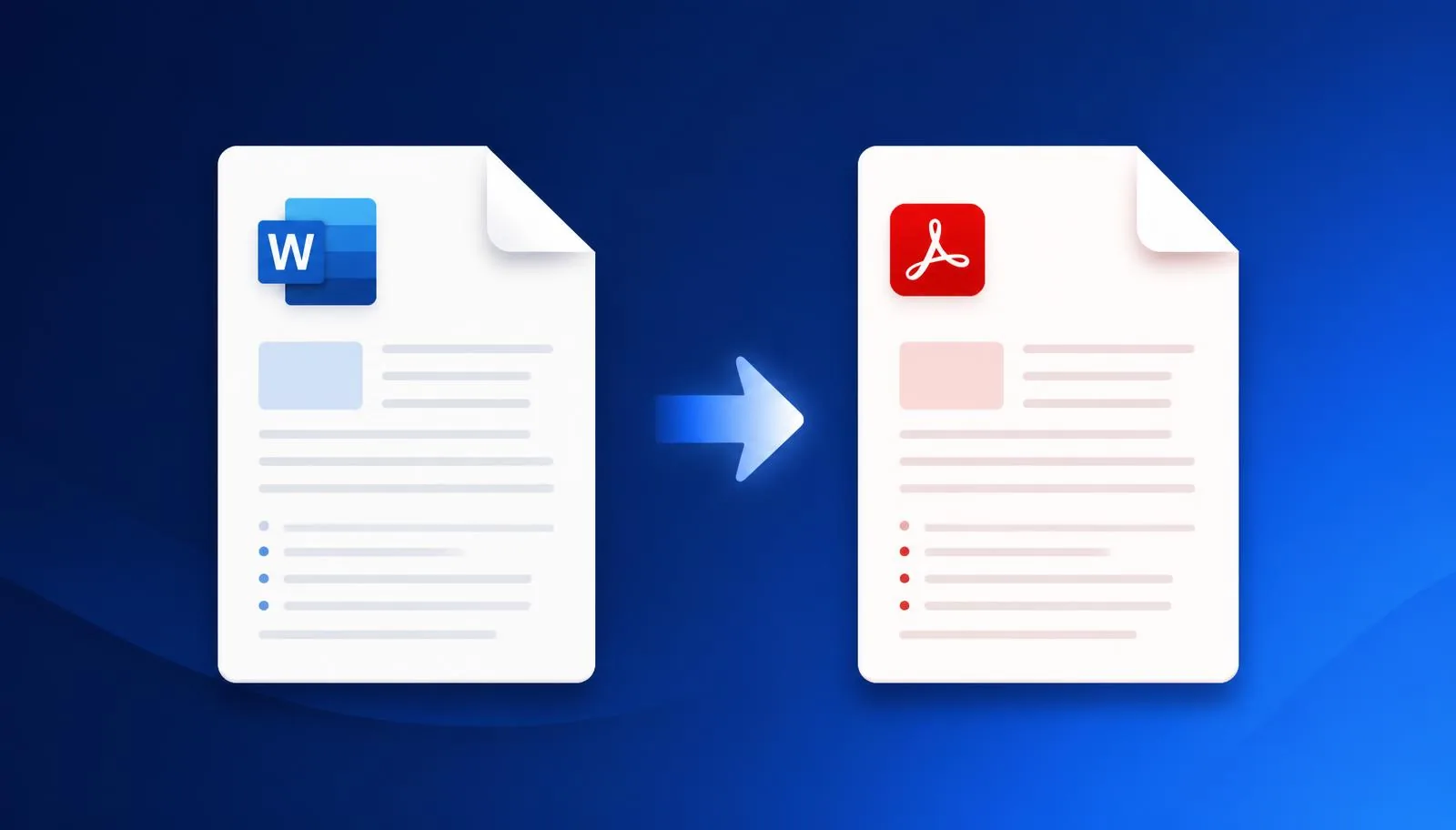
Whether you're submitting a resume, sending a contract, or sharing a report, converting your Word document to PDF is often the safest way to make sure it looks exactly the same on every device. Unlike a DOCX file, a PDF locks in your formatting, fonts, and layout — so what you see is exactly what the recipient sees.
In this guide, we'll walk through why PDF is the better format for sharing, and how to convert your Word file in seconds using NovaDocs AI.
Why convert Word to PDF?
- Consistent formatting — PDFs look identical on any device, operating system, or screen size. A Word file can shift fonts, spacing, or layout depending on what software opens it.
- Professional appearance — PDFs are the standard for resumes, contracts, invoices, and official documents.
- Smaller file size — PDFs are often more compact and easier to email.
- Read-only protection — A PDF is harder to accidentally edit, keeping your final version safe.
How to convert Word to PDF with NovaDocs AI
Converting your document takes less than a minute:
- Upload your file — Go to the Word to PDF tool and drag in your DOC or DOCX file, or click to browse.
- Let it convert — NovaDocs AI processes your file instantly, preserving fonts, images, tables, and formatting exactly as they appear in your original document.
- Download your PDF — Your polished, ready-to-share PDF downloads immediately — no watermark, no signup required.
Common use cases
- Job seekers — Convert your resume or CV to PDF before submitting applications, so formatting never breaks in an unfamiliar system.
- Freelancers and businesses — Send polished invoices and proposals that look professional on any device.
- Students — Submit assignments in a format your instructor's system will open reliably.
- Legal and official documents — Share contracts and agreements in a format that can't be easily altered.
Frequently asked questions
Frequently Asked Questions
- Is it really free?
- Yes — converting Word to PDF on NovaDocs AI is completely free, with no signup or credit card required.
- Will my formatting stay the same?
- Yes. Fonts, images, tables, and layout are preserved exactly as they appear in your original Word document.
- Is my file safe?
- Your file is processed securely and deleted from our servers shortly after conversion — we never store or share your documents.
- Can I convert PDF back to Word later?
- Yes — NovaDocs AI also offers a PDF to Word tool if you need to edit the document again later.
Ready to convert your document?
Try the Word to PDF tool now — free, fast, and no signup needed.
Ready to try it yourself?
All the PDF & AI tools mentioned in this article — free to use.
Related articles

Get weekly PDF & AI tips
Join thousands of students and professionals getting productivity tips in their inbox.